🔒 100% Client-Side Privacy: Video URLs are processed purely inside your web browser. No URLs or downloaded images are ever sent to an external server.
Live Preview & Result Output
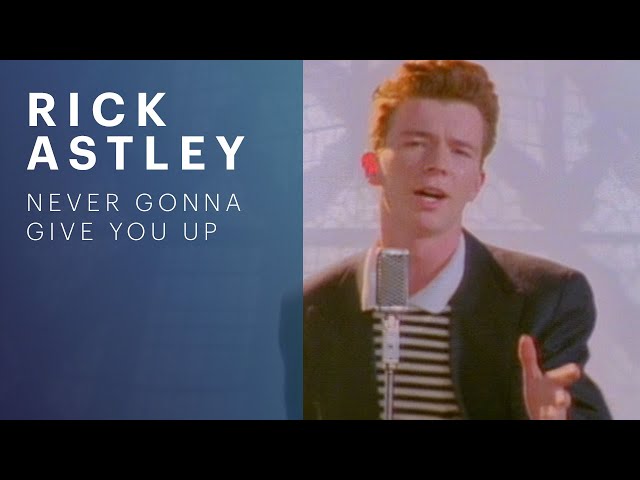
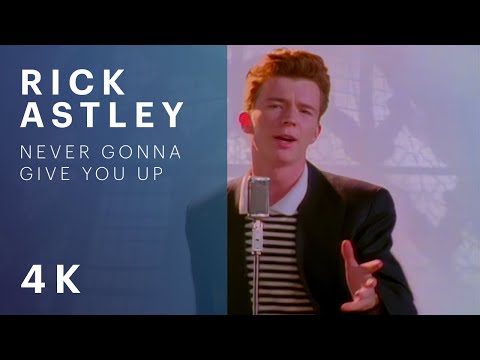
Live Thumbnail Preview & Downloads
ID: dQw4w9WgXcQ
1080p HD (1280 x 720)Best Quality
16:9
All Available Thumbnail Quality Variants (5)Click card to switch main preview
Best Quality
1280 x 720
Maximum Resolution (1080p HD)
16:9 Aspect Ratio
Active
640 x 480
Standard Definition (480p SD)
4:3 Aspect Ratio
480 x 360
High Quality (360p HQ)
4:3 Aspect Ratio
320 x 180
Medium Quality (180p MQ)
16:9 Aspect Ratio
120 x 90
Standard Default (90p)
4:3 Aspect Ratio
Media Extraction Guide
About the YouTube HD Thumbnail Extractor & Cover Grabber
YouTube video thumbnails are the primary driver of click-through rate (CTR) across home feeds, search results, and suggested video sidebars. Creators, graphic designers, digital archivists, and video editors frequently need to extract high-resolution cover artwork for design benchmarking, presentation decks, video reaction thumbnails, or social promotional banners. The YouTube HD Thumbnail Extractor parses any standard YouTube video URL, YouTube Shorts link, live stream address, or embed code and pulls official Google image server assets across all available resolutions—from Full HD 1080p (maxresdefault.jpg) down to standard definition—with one-click downloads and zero quality loss.
In-Depth Technical Guide
How YouTube HD Thumbnail Extractor & Cover GrabberWorks & What the Results Mean
YouTube Thumbnail Server URL Architecture
YouTube stores video thumbnail assets on Google's global img.youtube.com and i.ytimg.com Content Delivery Networks (CDN) using predictable eleven-character video ID endpoints ([VIDEO_ID]):
Max Resolution (`maxresdefault.jpg`): Full HD resolution (1920 × 1080 or 1280 × 720 px). This is the highest-quality original image uploaded by the creator.
Standard Definition (`sddefault.jpg`):640 × 480 px (4:3 aspect ratio with black letterboxing for 16:9 videos).
High Quality (`hqdefault.jpg`):480 × 360 px auto-generated thumbnail.
Medium Quality (`mqdefault.jpg`):320 × 180 px 16:9 thumbnail used in mobile feed previews.
Default Thumbnail (`default.jpg`):120 × 90 px compact thumbnail used in search list widgets.
Handling 404 Fallbacks on Older Videos
When a channel uploads a video without a custom 1080p thumbnail or on older legacy uploads prior to 2012, Google servers may return a transparent placeholder or 404 error for maxresdefault.jpg. Our extractor automatically tests image dimensions in-browser and gracefully falls back to hqdefault.jpg, ensuring you always receive the highest available resolution.
Step-by-Step Guide
How to Use YouTube HD Thumbnail Extractor & Cover Grabber
1Paste any YouTube video link, YouTube Shorts URL, or embed link into the URL input field.
2The tool automatically extracts the 11-character video ID and fetches all available thumbnail resolutions.
3Review the live preview gallery showing Maximum Resolution (1080p), High Quality (720p), Standard Definition, and Medium Quality.
4Click 'Download Image' beneath your preferred resolution to save the JPG file directly to your device.
5Alternatively, click 'Copy Image URL' to copy the direct CDN link for embedding in articles or mockups.
6Click 'Clear' to reset the input and process another video link.
Capabilities
Key Features & Highlights
Extracts all official YouTube thumbnail resolutions: Full HD 1080p (maxresdefault), 720p (hqdefault), 480p (sddefault), and 180p (mqdefault).
Universal URL support: standard links (youtube.com/watch?v=...), short links (youtu.be/...), Shorts (youtube.com/shorts/...), and embed URLs.
Automatic 11-character video ID parser extracting IDs instantly from any messy URL string.
Smart 404 fallback mechanism ensuring you always get the highest valid resolution image.
Direct one-click image download with automatic filename naming based on video ID.
Copy CDN Link action for embedding images in blogs, newsletters, or design files.
Preloaded sample video buttons for instant testing.
100% in-browser processing with zero server proxying or tracking.
Practical Scenarios
Examples & Real-World Use Cases
Extracting a 1080p Thumbnail for a Video Reaction Banner
Scenario: Downloading Full HD cover art to create a reaction video thumbnail.
Sample Input:
URL: https://www.youtube.com/watch?v=dQw4w9WgXcQ
Expected Output:
Extracted: maxresdefault.jpg (1920 × 1080 px Full HD)
Extracts original creator artwork at maximum resolution.
Downloading a YouTube Shorts Cover Thumbnail
Scenario: Extracting cover imagery from a vertical YouTube Shorts link.
Sample Input:
URL: https://youtube.com/shorts/abc123xyz89
Expected Output:
Extracted: hqdefault.jpg (480 × 360 px)
Extracts the keyframe cover image from a Shorts URL.
Common Questions
Frequently Asked Questions
The highest resolution is 'maxresdefault.jpg', which delivers 1280 × 720 px or 1920 × 1080 px Full HD quality, matching the original graphic uploaded by the channel creator.